The 8 KPIs Every Service Business Owner Should Check Weekly
Revenue is up, but is the business actually healthier? These eight weekly KPIs show whether your crews, your pricing and your margins are working, in about 15 minutes a week.
A KPI (key performance indicator) is a number you check on a regular schedule to tell whether a service business is healthy; these are the eight to check every week.
For years I judged my service business by one number: revenue. Revenue was climbing, the schedule was full, and the crews were busy. Yet the bank account didn't match the story the revenue was telling me. If you run a lawn care, landscaping, cleaning, pest control, HVAC, or any other crew-based field service company, you may know the feeling.
The fix wasn't working harder. It was looking at the right numbers on a regular schedule. Here are the eight KPIs I check every week, what each one tells me, and what to do when it moves the wrong way. You don't need fancy software to start. A notebook and 15 minutes every Monday will do. Software just makes it faster and removes the math.
1. Revenue, Week Over Week
What it is: Total revenue for the week compared with the previous week and with the same week last year.
Why it matters: It's the simplest trend line in the business. It tells you whether demand is growing, flat, or slipping before it shows up anywhere else. Just remember that revenue alone says nothing about profit. That's why it's number one, not the only number.
If it drops: Check weather and cancellations first, then lead flow, then whether you have enough crew capacity to complete the work you've booked.
2. Labor Percentage
What it is: Total crew labor cost divided by the revenue those crews produced, shown as a percentage.
Why it matters: Labor is usually the biggest cost in a field service business, so it's where margin is won or lost. A small drift of a few points, held for months, can erase a profitable year. In my own pay-for-performance setup, 33% is the line I use. Pick a target for your trade and your pricing, and watch it weekly.
If it climbs: Look at drive time, jobs that ran long, and under-priced work before you blame the crew.
3. Net Profit Percentage
What it is: What's left of revenue after all costs (labor, materials, fuel, equipment, overhead), divided by revenue.
Why it matters: This is the number that tells you whether the business is actually working. It's the difference between a busy company and a healthy one. Check it weekly as an estimate, then confirm it against your books each month.
If it's below your goal: Work backwards. Is it labor, materials, pricing, or overhead? Usually one of them is doing most of the damage.
4. Break-Even Revenue Per Day
What it is: The amount of revenue you need to produce each working day just to cover your costs.
Why it matters: It turns a vague worry into a clear daily target. When a crew finishes a day at $900 and your break-even is $1,100, nobody has to guess why the month feels tight. Everything above break-even is profit, and everything below it is a loss you have to make up.
If days keep landing under it: Review route density, minimum job pricing, and how many billable hours each crew really gets in a day.
5. Crew Efficiency
What it is: Budgeted hours for the jobs a crew completed, divided by the hours they actually worked.
Why it matters: At 100%, a crew is working exactly as fast as the job was priced. Above 100%, they're beating the budget, which is where performance bonuses come from. Below 100%, jobs are taking longer than priced. Tracking it by crew shows you who is crushing it and who needs help, without relying on gut feeling.
If it slips: Ask whether the budgeted hours are realistic for those properties before assuming it's a people problem.
6. Revenue Per Labor Hour
What it is: Revenue divided by total paid crew hours.
Why it matters: It's the quickest way to compare crews, routes, and service types on equal footing. A job that looks big but eats a lot of hours may earn less per hour than a small, fast one. This number tells you which work to chase and which to reprice.
If it's low on one service: Raise the price, shorten the job, or stop offering it at that rate.
7. Average Job Value
What it is: Total revenue divided by the number of jobs completed.
Why it matters: If your average job value is shrinking while you're busier, you may be filling the schedule with small, low-margin stops. If it's growing, your pricing and upsells are working.
If it falls: Check for discounting, minimum charges that are too low, and add-on services you're not offering.
8. Callback and Rework Rate
What it is: The share of jobs that needed a return visit to fix a problem or redo work.
Why it matters: Callbacks are invisible profit leaks. You pay a crew to do the work twice and bill once. They also hurt the customer's trust. A weekly count shows you quickly whether quality is slipping, and whether it's tied to one crew, one service, or one type of property.
If it rises: Look for a pattern before changing anything. Training one person fixes a different problem than fixing a process.
How do you make this a 15-minute habit?
- Pick one day and time. I do it first thing Monday, before the week gets away from me.
- Write the numbers down. A single number means little. The trend over four to eight weeks is what you act on.
- Compare to a target. A KPI without a target is just trivia. Set a goal for each one.
- Fix one thing at a time. Change the one number that matters most this month, then re-check.
- Share what the crews can control. Efficiency and labor percentage are most useful when crews can see them too.
How do you do this without the spreadsheet?
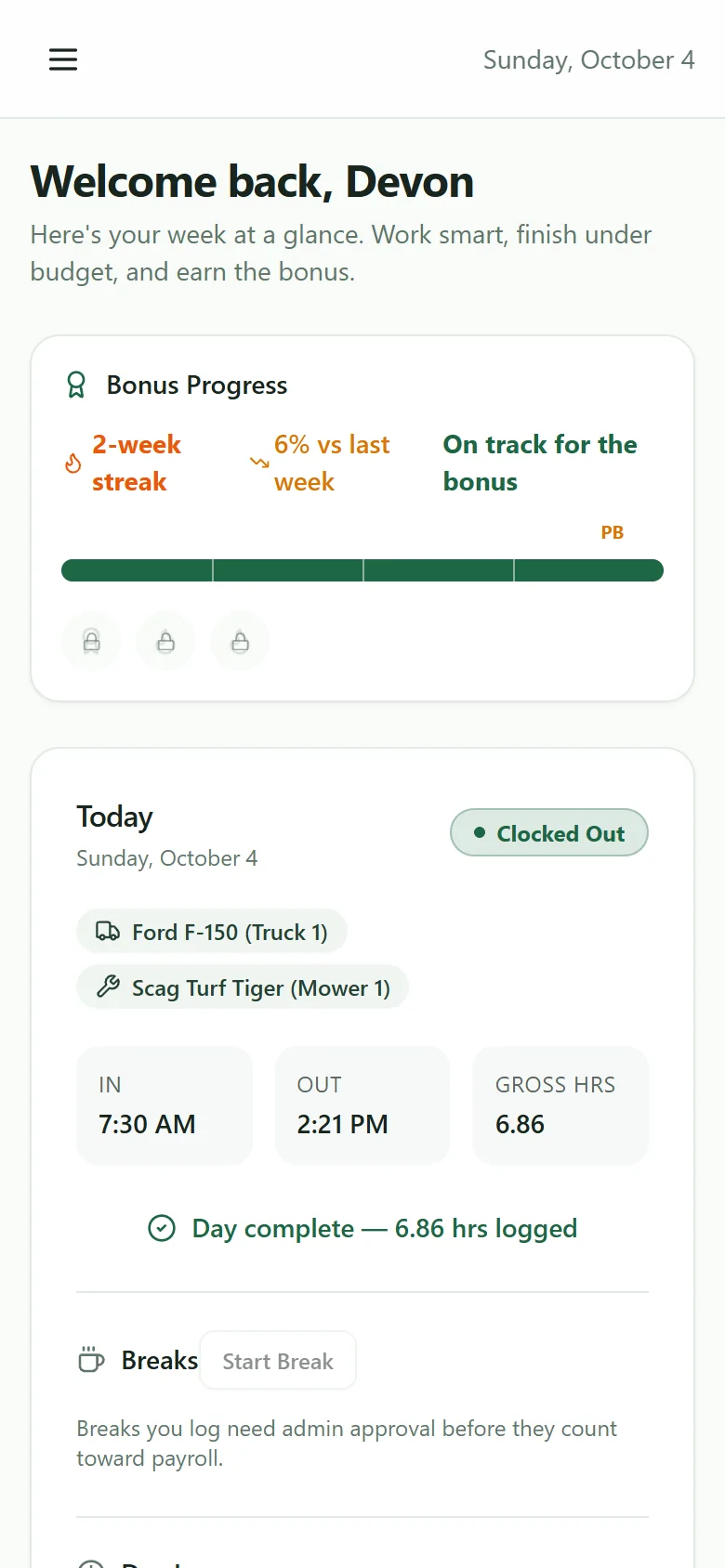
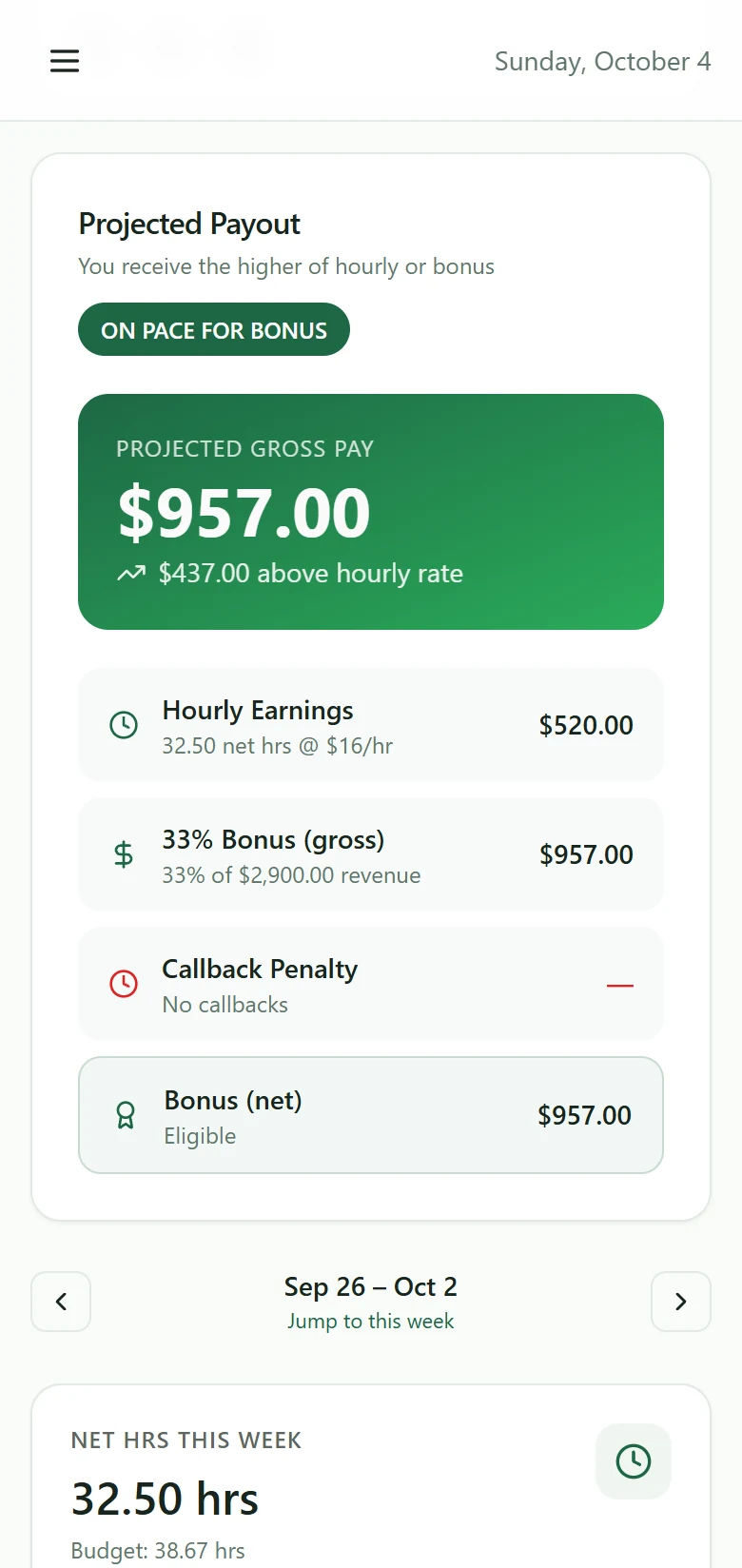
I did this by hand for years, and it cost me hours every week and a few mistakes I only found later. That's why I built Easy P4P. It calculates labor percentage, net profit percentage, break-even revenue per day, crew efficiency, and revenue trends for you from the jobs your crews complete, and it works with the CRM you already use. The full KPI and analytics dashboard is on the Pro plan.
Start your free trial of Easy P4P
Disclaimer: Easy P4P is a software tool to help you track performance and calculate payroll. It is not a legal, tax, or HR service, and nothing in this blog post is legal, tax, financial, or wage-compliance advice. Always consult a qualified professional about your specific obligations under federal, state, and local laws. Targets and examples are illustrations; set your own based on your trade, pricing, and costs.
More from the founder's journal
- Callbacks Are Costing You More Than You Think: How to Handle Redos Without Losing Money
- How to Connect Yardbook to Easy P4P with Zapier (Step-by-Step)
- Know Your Numbers Every Day: How Easy P4P Keeps Your Crews and Business in the Green Zone
- The Tech Stack I Use to Run My High-Six-Figure Operation
Use Yardbook? See how Easy P4P works with it. Want to know who writes this? About Jason and QuickCall.